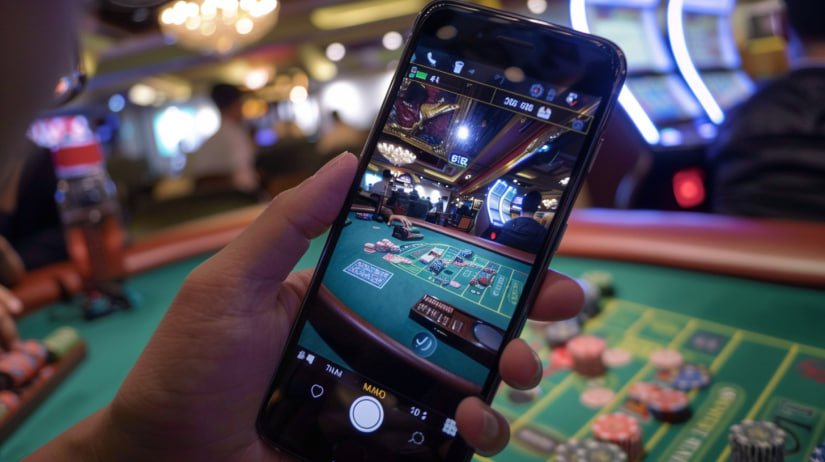
Befplay, the go-to choice for millions of users across Bangladesh, is now right in your pocket. Download the app on any Android or iOS device and enjoy betting, casino games, and promotions from wherever you are.
Android, iOS, or browser — Befplay delivers a seamless experience on every platform.
Install the befplay app on any device running Android 6.0 or above. The APK file can be downloaded directly from the site.
A dedicated iOS app built for iPhone and iPad. Compatible with all devices running iOS 13.0 or higher.
No download needed — access befplay.net directly in your mobile browser. Works on Chrome, Safari, Firefox, and more.
Most users in Bangladesh are on Android. Follow the steps below and you can have the befplay app installed in just 2 minutes.
First, visit befplay.net and complete the registration. If you are already a member, skip this step.
Go to Android Settings → Security → enable "Unknown Sources" or "Install Unknown Apps". This is required to install APK files.
Download the befplay APK file from the site's download page and wait for the download to complete.
Go to your Downloads folder, tap the downloaded APK file, and hit the "Install" button.
Once installed, open the app and log in with your username and password. All games are now right at your fingertips.
For iPhone and iPad users, installing the Befplay iOS app is a slightly different process — but just as straightforward.
Use Safari to install the iOS app on your iPhone. Chrome or Firefox may not work for this.
Click the iOS link on Befplay's download page. The app can be installed via the App Store or directly.
Go to Settings → General → VPN & Device Management and trust Befplay's developer certificate.
You'll see the befplay icon on your home screen. Tap it, log in, and start playing.
It's not just about fitting a smaller screen — the befplay mobile app delivers a genuinely mobile-first experience.
The app is built on a low-latency architecture. Game pages load in just 1–2 seconds, even on a slow connection.
Get instant notifications for match results, new promotions, and important updates.
Log in quickly and securely using your fingerprint or Face ID — no more typing your password every time.
Befplay's dark theme is easy on the eyes — no strain even when playing at night or in low light.
Even without an internet connection, you can still view your past betting history and balance information within the app.
Live chat support is accessible directly within the app — no need to open a separate browser.
Not sure which option suits you best? Check out the comparison below.
| Features | Android App | IOS App | Mobile Browser |
|---|---|---|---|
| Push Notifications | ✓ Yes | ✓ Yes | ✗ No |
| Biometric Login | ✓ Yes | ✓ Yes | Partial |
| Live Betting | ✓ Yes | ✓ Yes | ✓ Yes |
| Loading Speed | Lightning Fast | Lightning Fast | Medium |
| Offline History | ✓ Yes | ✓ Yes | ✗ No |
| Automatic Updates | ✓ Yes | ✓ Yes | Always Up-to-Date |
| Download Required | APK (~48MB) | App (~52MB) | Not Required |
Mobile internet users in Bangladesh now number in the hundreds of millions, with most people going online through their smartphones. The befplay mobile app was built with exactly this reality in mind.
The app is intentionally kept lightweight at just 48 MB. While many apps on the market run 100–200 MB, Befplay believes everyone — including users with older or low-storage devices — deserves the same quality experience.
The Befplay app interface is fully available in Bengali. Menus, buttons, and notifications are all displayed in Bengali, so users who are not comfortable with English can use the app without any difficulty.
Befplay holds its app to the highest security standards. All data transfers are SSL-encrypted and login sessions are handled securely. Biometric login adds an extra layer of protection.
Regular updates bring new features and bug fixes, with every release shaped by user feedback. Befplay's goal is simple — make the app a little better with every update.
Special bonus offer on your first in-app deposit. Available for a limited time.
Answers to the most frequently asked questions about downloading and installing the Befplay app.